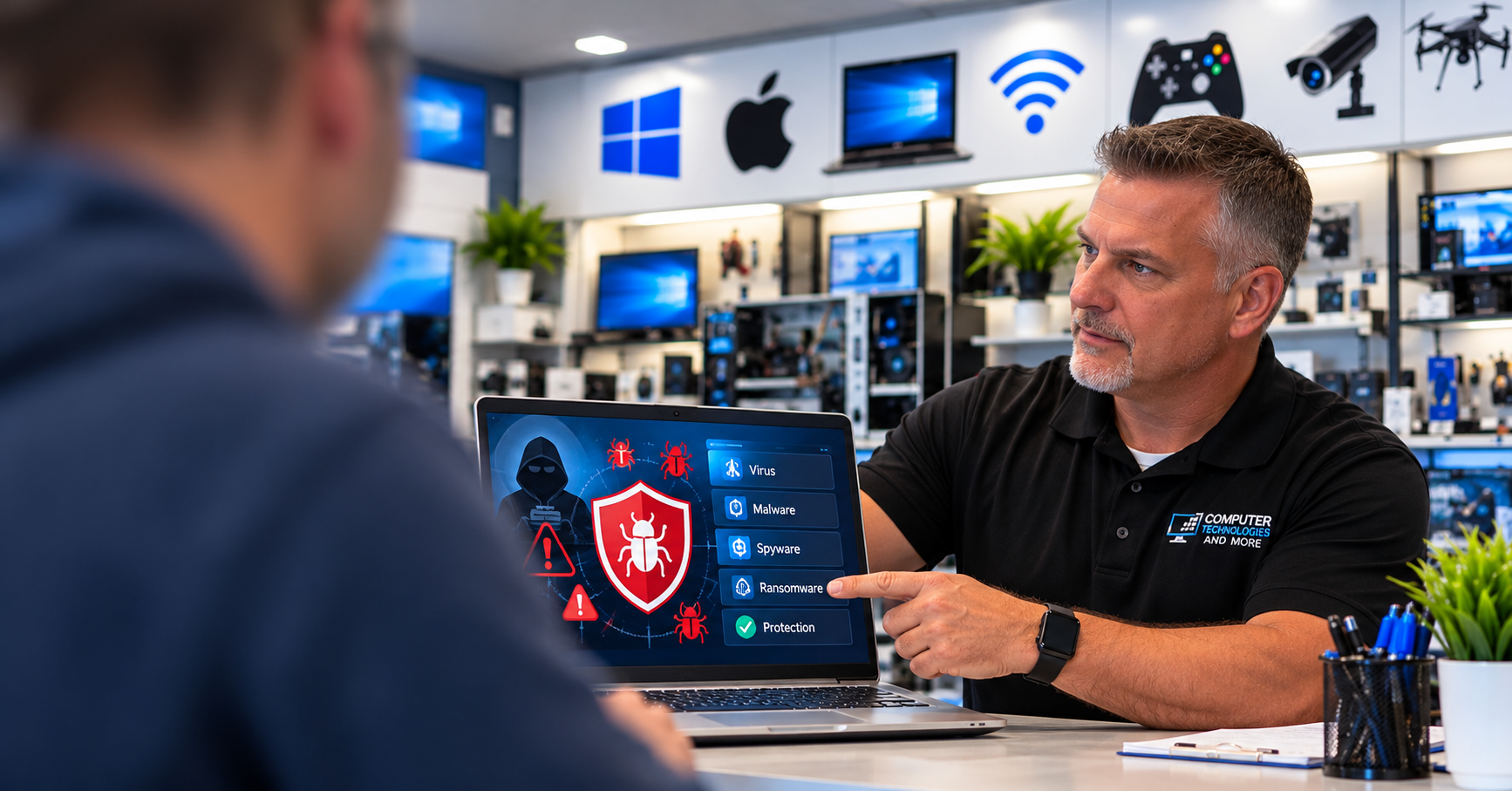
Most people rely on their computers every day for work, banking, shopping, school, and staying connected with family. But when a computer starts running slowly, displaying unusual pop-ups, or freezing unexpectedly, the problem may be more than an aging machine. Viruses, malware, unwanted programs, and neglected software updates can affect performance, privacy, and reliability.
At Computer Technologies and More in Hendersonville, Tennessee, we help customers identify security threats, remove unwanted software, and keep their computers working as reliably as possible. Regular maintenance cannot prevent every hardware failure, but it can reduce avoidable problems and help you get more useful years from a computer.
What Are Viruses and Malware?
Malware is a broad term for harmful software. It includes viruses, spyware, ransomware, information-stealing programs, and other threats. Some malware tries to capture passwords or personal information. Other threats change browser settings, interfere with normal programs, or run quietly in the background.
Not every slow computer is infected. A failing hard drive, insufficient memory, too many startup applications, or an outdated operating system can cause similar symptoms. That is why an accurate diagnosis matters before making repairs.
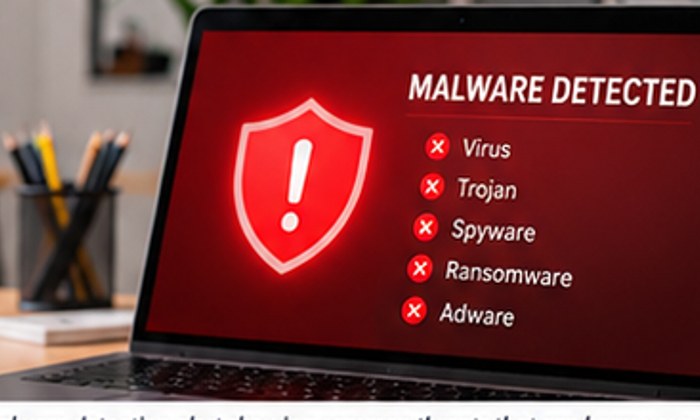
How Malware Can Affect Computer Performance
Unwanted software may consume processor time, memory, storage space, and network bandwidth. When several background processes compete for resources, your computer may take longer to start, applications may respond slowly, and routine tasks can become frustrating.
Some threats can also damage or encrypt files. A successful cleanup may restore normal performance, but removing malware cannot always reverse lost data or physical damage. If a computer has serious symptoms, avoid entering sensitive passwords until it has been checked.
Can Removing Malware Help Your Computer Last Longer?
Keeping software clean and updated can support a computer’s useful life. Removing unnecessary background programs reduces avoidable workload, while security updates fix vulnerabilities that attackers might exploit. Maintaining free storage space and checking drive health can also help keep the system responsive.
There is an important distinction: malware removal does not directly repair worn fans, damaged batteries, failing drives, or other aging components. A complete maintenance visit should consider both software health and hardware condition. Combining those steps helps prevent small problems from becoming costly interruptions.
Warning Signs You Should Not Ignore
- Unexpected pop-ups, redirects, or changes to your browser
- Sudden slowdowns, crashes, or programs opening without permission
- Unknown applications or extensions you did not install
- Security software being disabled unexpectedly
- Unusual account activity or messages sent without your knowledge
- Files becoming inaccessible or demands for payment appearing on screen
These symptoms do not always mean a virus is present, but they are good reasons to investigate.
Five Habits That Help Protect Your Computer
1. Keep Your Operating System and Apps Updated
Install security updates for Windows, macOS, browsers, and frequently used applications. Unsupported software may no longer receive important protections.
2. Use Reputable Security Protection
Keep built-in or trusted security software enabled and updated. Avoid installing multiple competing antivirus programs that may slow down or conflict with each other.
3. Back Up Important Files
Maintain a backup on a separate drive or reputable cloud service. For added protection against ransomware, keep at least one backup disconnected or otherwise protected from unauthorized changes.
4. Be Careful With Downloads and Links
Fake support alerts, email attachments, unfamiliar downloads, and misleading browser advertisements can lead to infections. When in doubt, close the suspicious page and contact a trusted technician.
5. Schedule Routine Computer Maintenance
A periodic check can identify unwanted programs, outdated software, low storage space, and warning signs of hardware trouble before they become bigger issues.
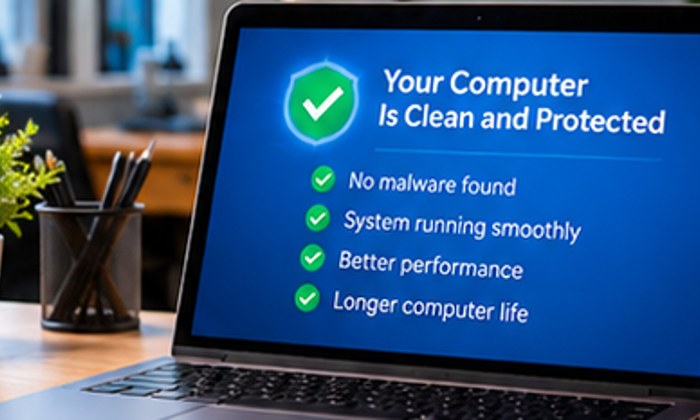
Professional Virus and Malware Removal in Hendersonville, TN
Computer Technologies and More offers computer diagnostics, virus and malware removal, tune-ups, data backup assistance, and PC and Mac support. We take time to explain what we find and recommend practical solutions based on your computer’s condition and your needs.
Whether your laptop is running slowly or your desktop is showing suspicious warnings, professional troubleshooting can help you decide whether cleaning, an upgrade, or a repair is the best next step.
Let Us Help Keep Your Computer Running Smoothly
Visit Computer Technologies and More at 394 West Main Street, Suite A-15, Hendersonville, TN 37075, or call 615-988-1156 to discuss your computer’s symptoms and schedule service. You can also explore our repair services at computertechnologiesandmore.com.